What Logo File Do We Need? Artwork Formats for Embroidery and Print
The single most common reason a workwear order stalls on day one is not stock, not sizing and not the design. It is the logo file. Somebody sends the logo they have — usually the one pulled off their own website — and it is not the kind of file a stitching machine or a print bed can work from. Here is exactly what we need, and what to do if you have not got it.
A vector file — .ai, .eps, .pdf or .svg — is best for both. Vector artwork is built from shapes rather than pixels, so it can be resized to any garment without going soft. If you only have a photo-style file, send the largest, cleanest version you own and we will tell you whether it can be used or needs redrawing.
The Only Distinction That Really Matters
Forget file extensions for a second. There are two kinds of image in the world, and everything else follows from which one you have.
Raster images are a fixed grid of coloured pixels. A JPEG, a PNG, a screenshot, a photo. Enlarge one and there is no extra detail to find, so the edges soften and the pixels show.
Vector images are a set of instructions — this curve, this fill, this outline. SVG, the open web standard for this, is described by Mozilla’s developer documentation as an XML-based markup language for describing two-dimensional based vector graphics. Because the shapes are defined mathematically rather than sampled, the same file prints cleanly at 40mm on a chest or 250mm across a back.
That is why every decorator asks for vector. It is not a preference for a particular software package. It is that one type of file survives being resized and the other does not.
What We Need for Embroidery
Embroidery has an extra step that print does not, and it is the step nobody outside the trade knows about.
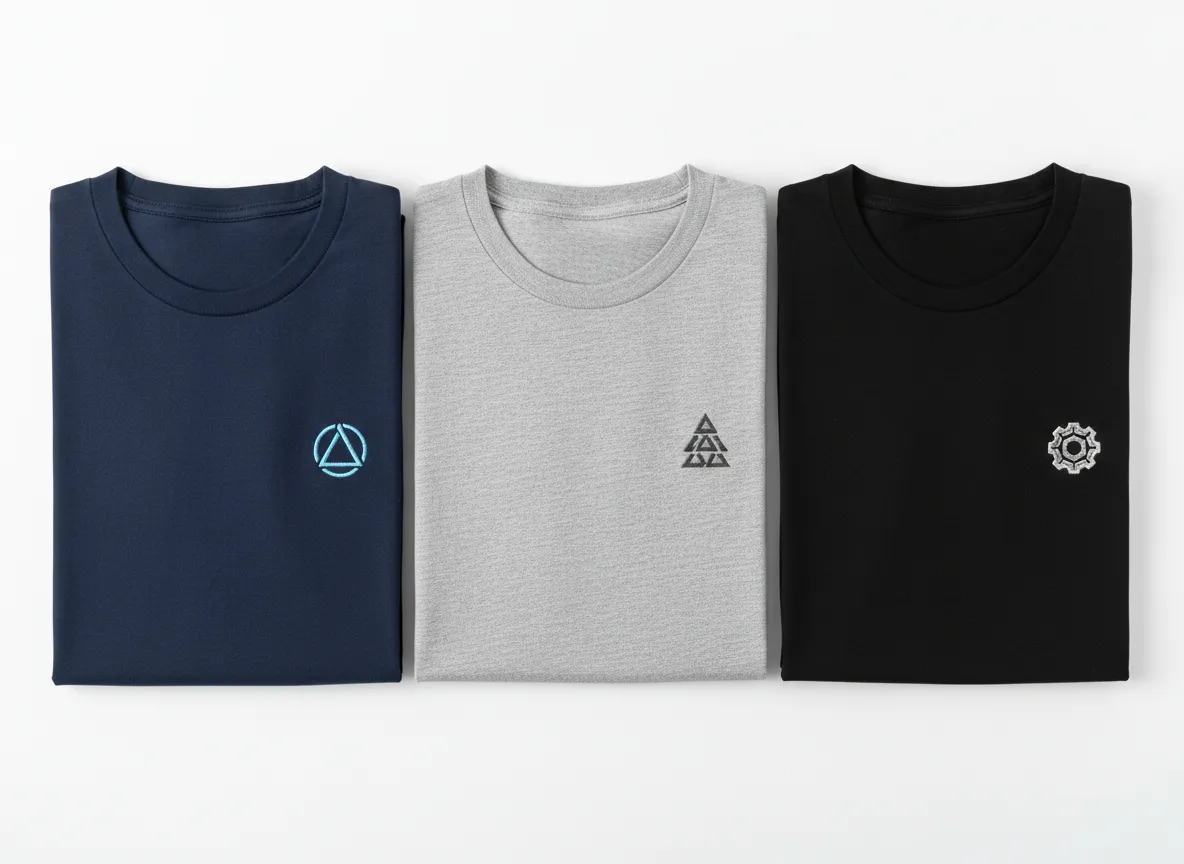
An embroidery machine does not read your logo. It reads a stitch file — a set of needle coordinates, stitch types, directions and colour stops. Converting artwork into that file is called digitising, and it is a skilled manual job, not a format conversion. Someone decides where each block of stitching starts, which direction it runs, and how the underlay holds the fabric flat.
So what do you actually send?
Send us the vector. We digitise from it. The stitch file that comes out is usually a .dst or .emb, and you do not need to produce it or own it beforehand — if a previous supplier made one for you, though, do say so, because a good existing stitch file can be reused.
What embroidery cannot do
This is worth knowing before you fall in love with a design. Thread has a minimum practical thickness, so very fine lines, tiny lettering, gradients and photographic detail do not survive being stitched. A logo with a delicate strapline may need that strapline set slightly larger, or dropped, to read at all on a chest.
Once your logo has been digitised, the same stitch file runs on every future order. It is worth getting right at the start rather than repeating later.
What We Need for Print
Printed decoration is more forgiving about detail and less forgiving about resolution.
Vector is still the ideal, because it lets us scale the design to each garment without touching quality. But print can work from a raster file, provided it is genuinely large enough at the size it will be printed and the background is properly transparent rather than a white box.
That last point causes more reprints than anything else. A PNG with a white rectangle behind it will print with a white rectangle behind it on a navy polo. If the file has never had its background removed, it needs redrawing rather than rescuing.
Full-colour and photographic designs
Where a design is genuinely photographic or has soft gradients, print is the right route rather than thread. Our explainer on how DTF printing works on custom clothing covers what that process handles well, and there is a companion piece on heat transfer vinyl, which takes a very different kind of artwork — bold, solid, cut from a single sheet of colour.
The File Types, Ranked
In the order we would like to receive them.
- .ai / .eps — native vector artwork. Ideal for both embroidery and print. If your designer built the logo, this is what they hold.
- .pdf — excellent if the artwork inside it is vector. A PDF is a container; one that simply holds a photo of your logo is a raster file wearing a smart jacket.
- .svg — proper vector, and increasingly the one small businesses actually have because it is a web format. Works well.
- .png — usable for print at large sizes with a transparent background. Not ideal for embroidery, but often enough to digitise from if it is clean and sharp.
- .jpg / .jpeg — no transparency and compression artefacts around the edges. Workable at a push if it is very large; frequently the file that triggers a redraw.
- Word, PowerPoint, Canva screenshots, social media exports — these are placements of an image, not the image. Whatever went in has usually been shrunk on the way out. Go back to the original.
If All You Have Is a Logo Off Your Van
Genuinely common, and genuinely fixable.
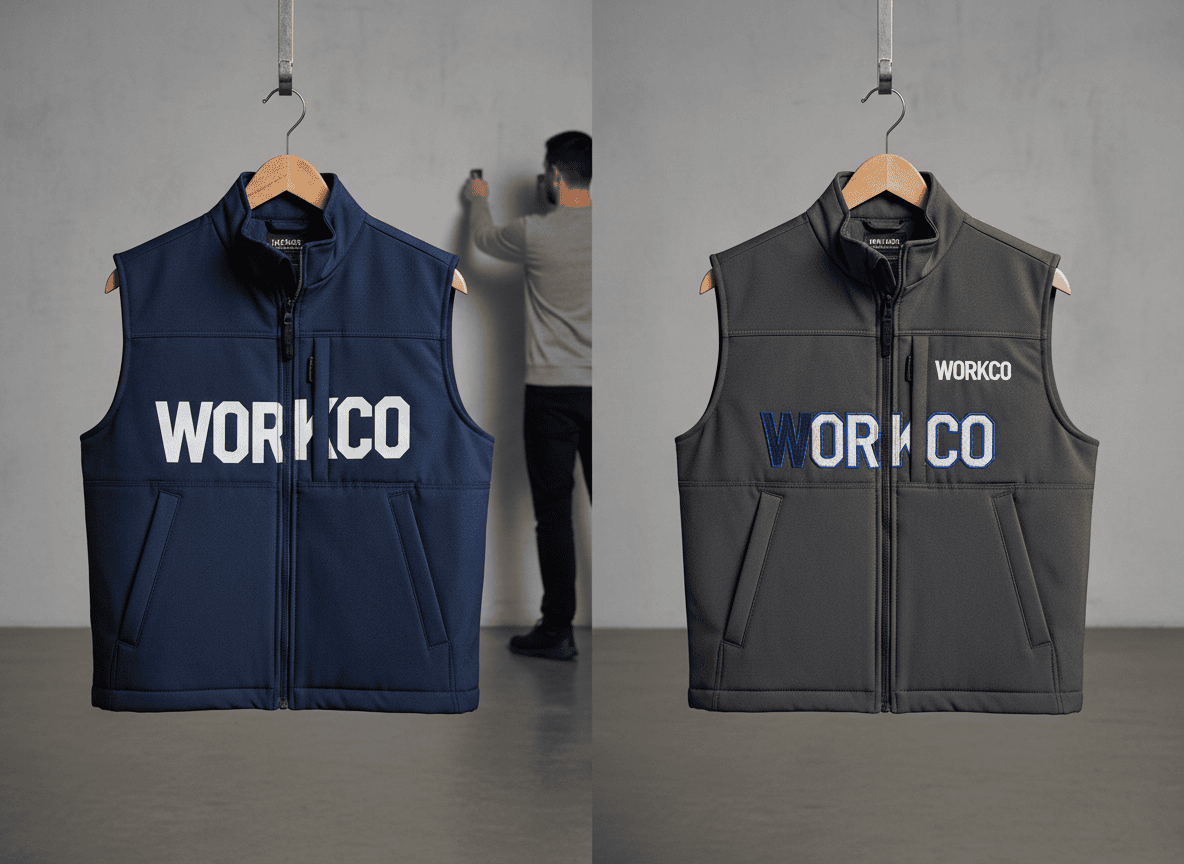
Two things help enormously. First, find out who made the logo — a signwriter, a web designer, a friend with design software. They will almost certainly still have the vector original, and asking for it costs nothing.
Second, if the trail has gone cold, send us the biggest, sharpest version you own: the original file rather than one that has been through a messaging app, and the printed source rather than a photo of it. A clean, high-resolution image is what a redraw is traced from, and the better it is, the closer the result will be to the logo you know.
Colours
Tell us your brand colours if you know them, ideally as Pantone references. Thread and print inks are matched to the closest available shade rather than mixed to order, so a named reference gets you far closer than “the blue on our website”.
A Sixty-Second Check Before You Send Artwork
- Is it vector? Open it and zoom right in. Crisp edges at 800% means vector. Blocks of colour means raster.
- Is the background transparent, or is there a white box behind it?
- Is there any text small enough that you would struggle to read it at arm’s length?
- Do you know the brand colours, or do you need us to match by eye?
- Is this the original export, or something that has been screenshotted, emailed and resized along the way?
Answer those five and the artwork conversation is usually over in one email. Once the file is right, the next decisions are how big the logo should sit and where it goes — we cover sizing in our workwear logo size guide, and the practical differences between the two decoration methods in printed versus embroidered workwear for daily use.
Ready to get artwork over to us? Take a look at our custom branded workwear service and send the file across with it.
Frequently Asked Questions
What file format is best for logo embroidery?
A vector file — .ai, .eps, .svg or a vector .pdf. The embroidery machine ultimately runs a stitch file such as a .dst, but that is produced by digitising your vector artwork; you do not need to supply it yourself.
Can you embroider from a JPEG?
Often, yes — a large, sharp JPEG can be digitised from. The risk is that JPEG compression softens edges and there is no transparency, so fine detail and tight lettering may need adjusting or redrawing to stitch cleanly.
What is embroidery digitising?
It is the process of converting a logo into a machine-readable stitch file, specifying stitch types, directions, sequence and colour changes. It is a manual, skilled task rather than an automatic file conversion, and it is done once per logo.
What is a DST file?
A DST is one of the standard embroidery stitch file formats — essentially a list of needle movements and colour stops. It is the output of digitising, not something you would normally have or create.
What resolution does a logo need for printed workwear?
It needs to be sharp at the finished print size, not just on screen. A file that looks fine as a small web image will not necessarily hold up printed across a back, which is why vector is preferred wherever it exists.
What if my logo has a gradient or a photograph in it?
Print handles gradients and photographic detail well; embroidery does not, because thread cannot blend the way ink can. A design like that is usually a printing job, or an embroidery job with a simplified version of the mark.
Send Us Your Logo
Not sure if your artwork will work? Send it over and we will tell you straight — embroidered and printed workwear, produced in Derbyshire, delivered UK-wide.
Reviewed and signed off by T Shapes. Published 15 October 2026. Last updated 15 October 2026.
0 Comments